
Download the CDS Vic East App
Want your refund sent directly to your bank? Too easy!
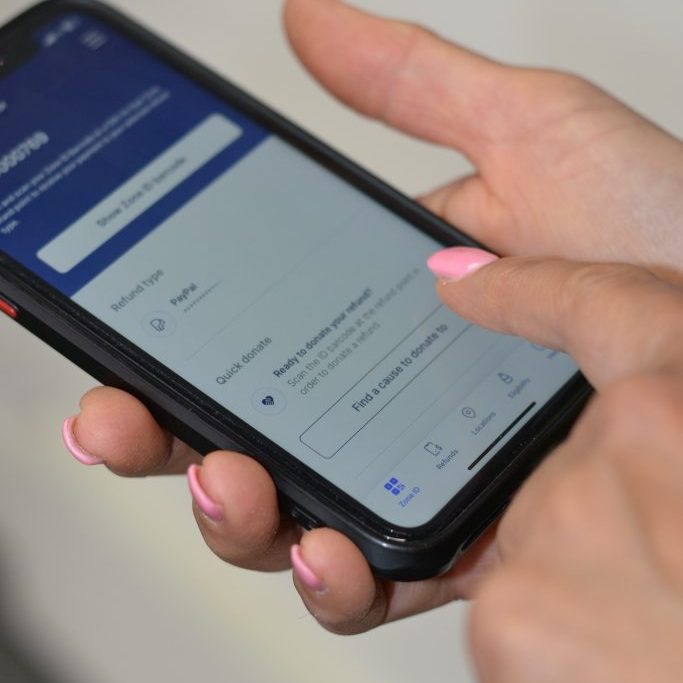
Sign up for a CDS Vic East account through our app or website.
- Add your bank details (and double-check them!)
- You’ll get a ZONE ID with a barcode - this is your personal member number, starting with “C2”. You’ll see it right on your homepage when you log in.
- At any return point, just scan your ZONE ID or type it in at the end of your transaction.
That’s it! Your refund will land in your bank account, often within just a few hours. Cha-ching! 💰
Scan the QR Code to download the app.